Freeze and Compliance
Screen addresses, freeze accounts, pause transfers, and seize tokens for compliance workflows.
SDP provides two categories of compliance tooling:
- Token controls — freeze individual accounts, pause all transfers, or seize tokens. Available for tokens with
isFreezableenabled or thepausableextension. - Address screening — check a wallet against configured compliance providers before approving a destination or adding it to a token's Token Access Control allowlist.
Token-control actions require tokens:admin permission on the API key.
How it works
Screen an address
Check a Solana address against configured compliance providers before onboarding a wallet or approving it as a transfer destination.
Use the Screen address action in the Compliance section of the dashboard.
Enter the wallet address and select the intent (e.g., transfer destination or Token Access Control allowlist candidate). Results appear per provider — each showing risk level, score, and flags.
Freeze and unfreeze an account
Prevent a specific holder from sending or receiving this token. The freeze targets one associated token account — other accounts are unaffected.
On the token detail page, go to the Compliance tab and select Freeze Controls.
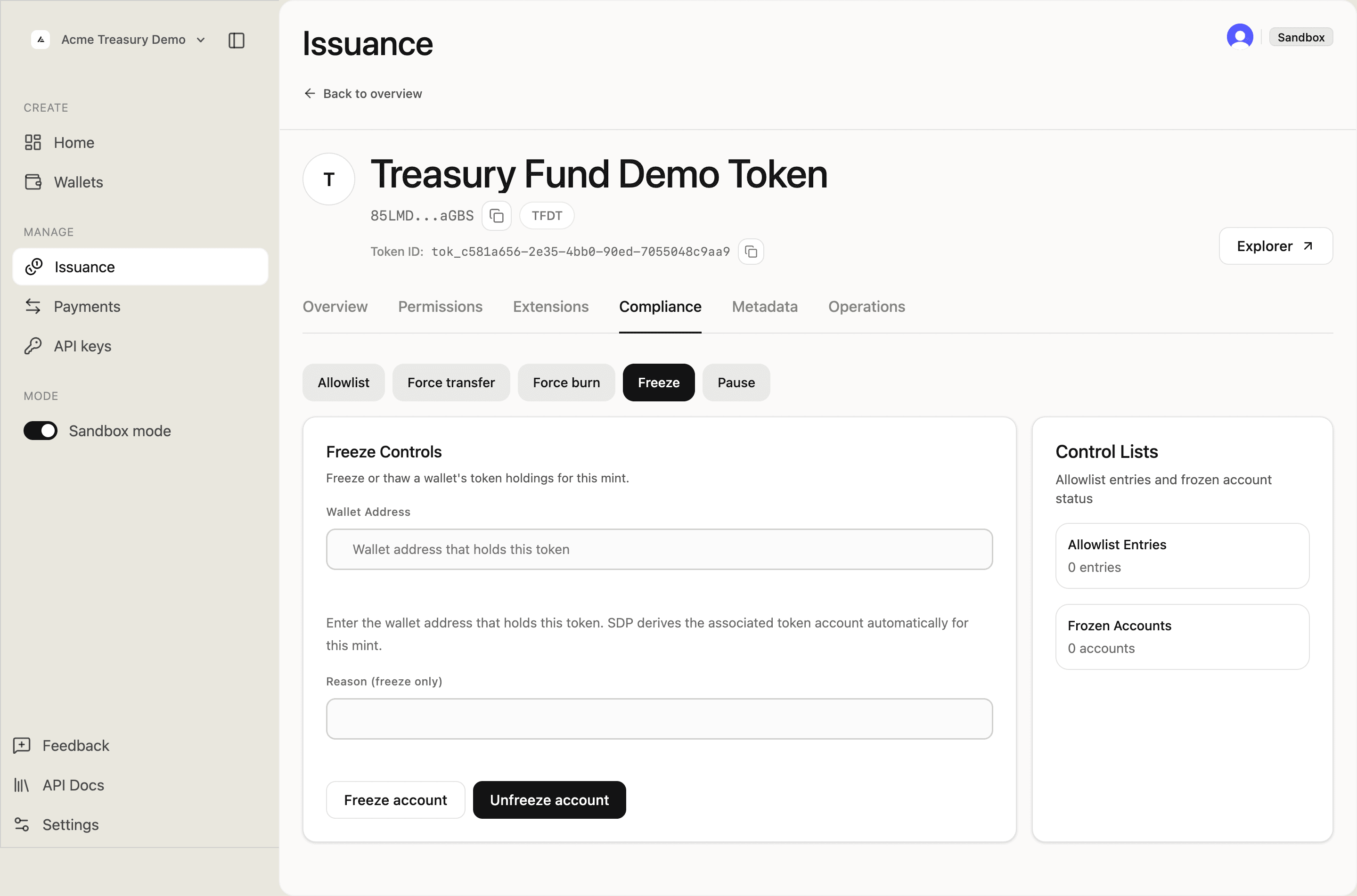
Enter the holder's wallet address and an optional reason, then click Freeze account.
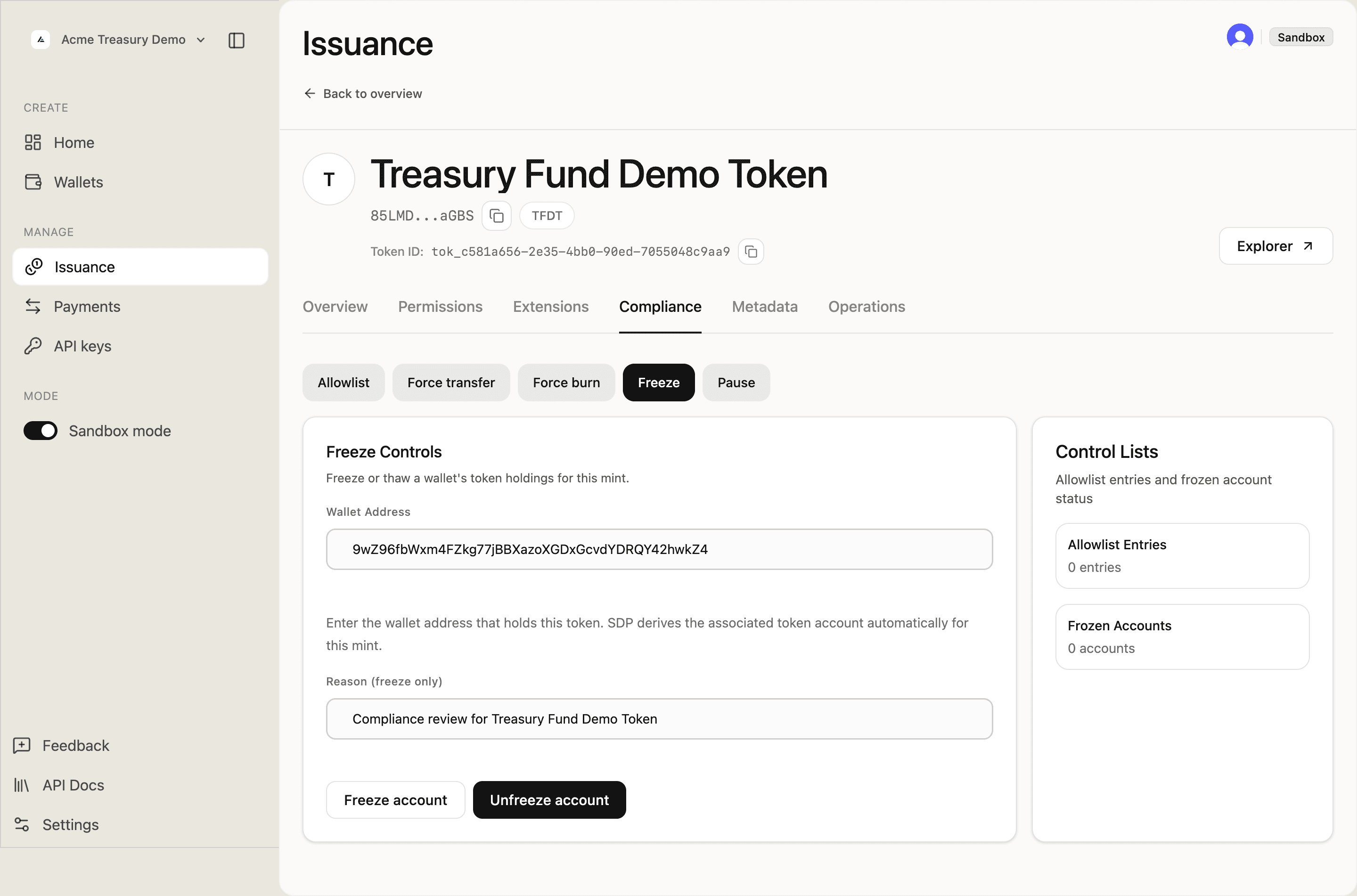
Confirm the on-chain submission in the confirmation prompt.
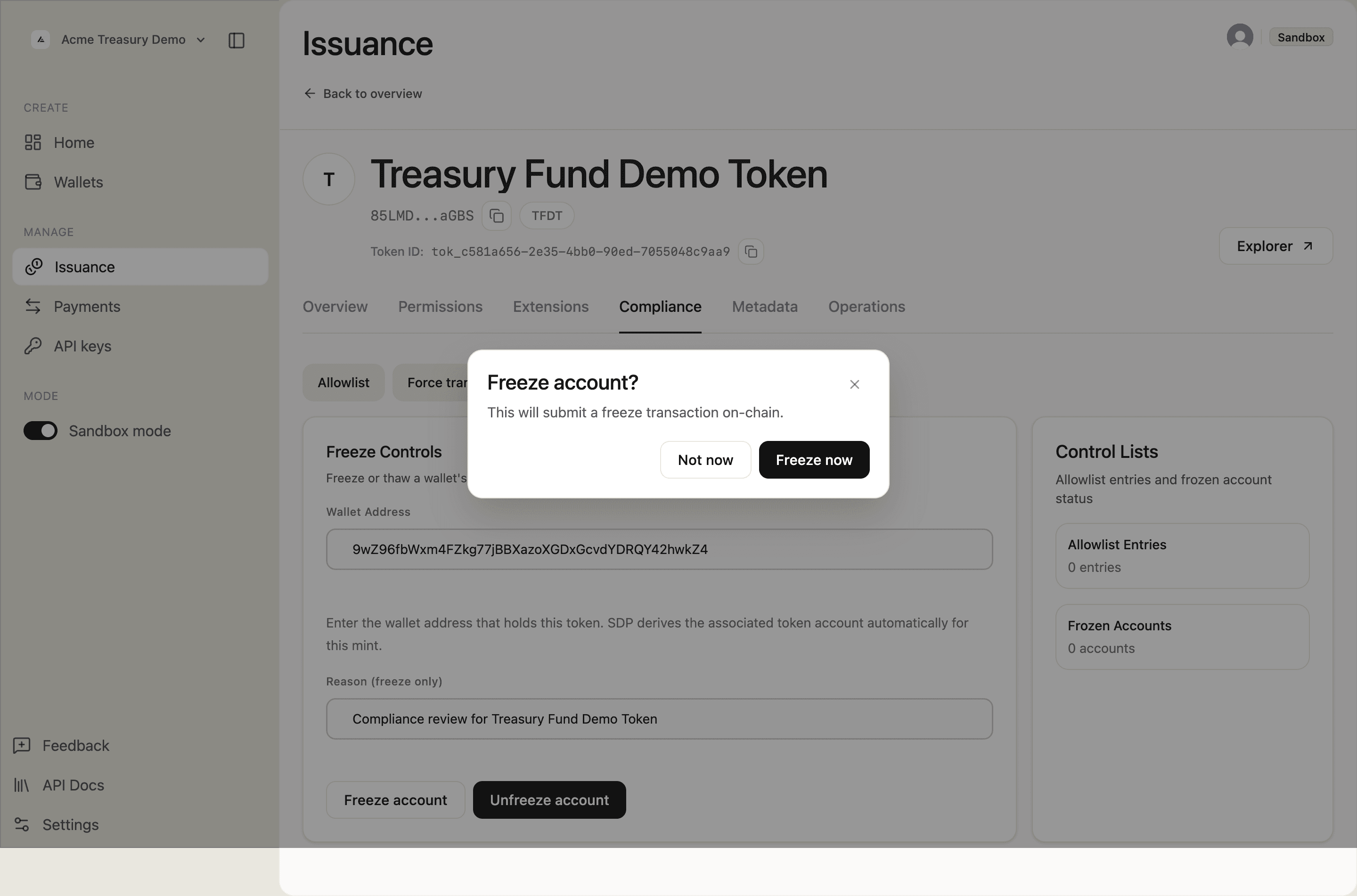
The "Freeze transaction finalized." toast appears and the Frozen Accounts count updates to 1.
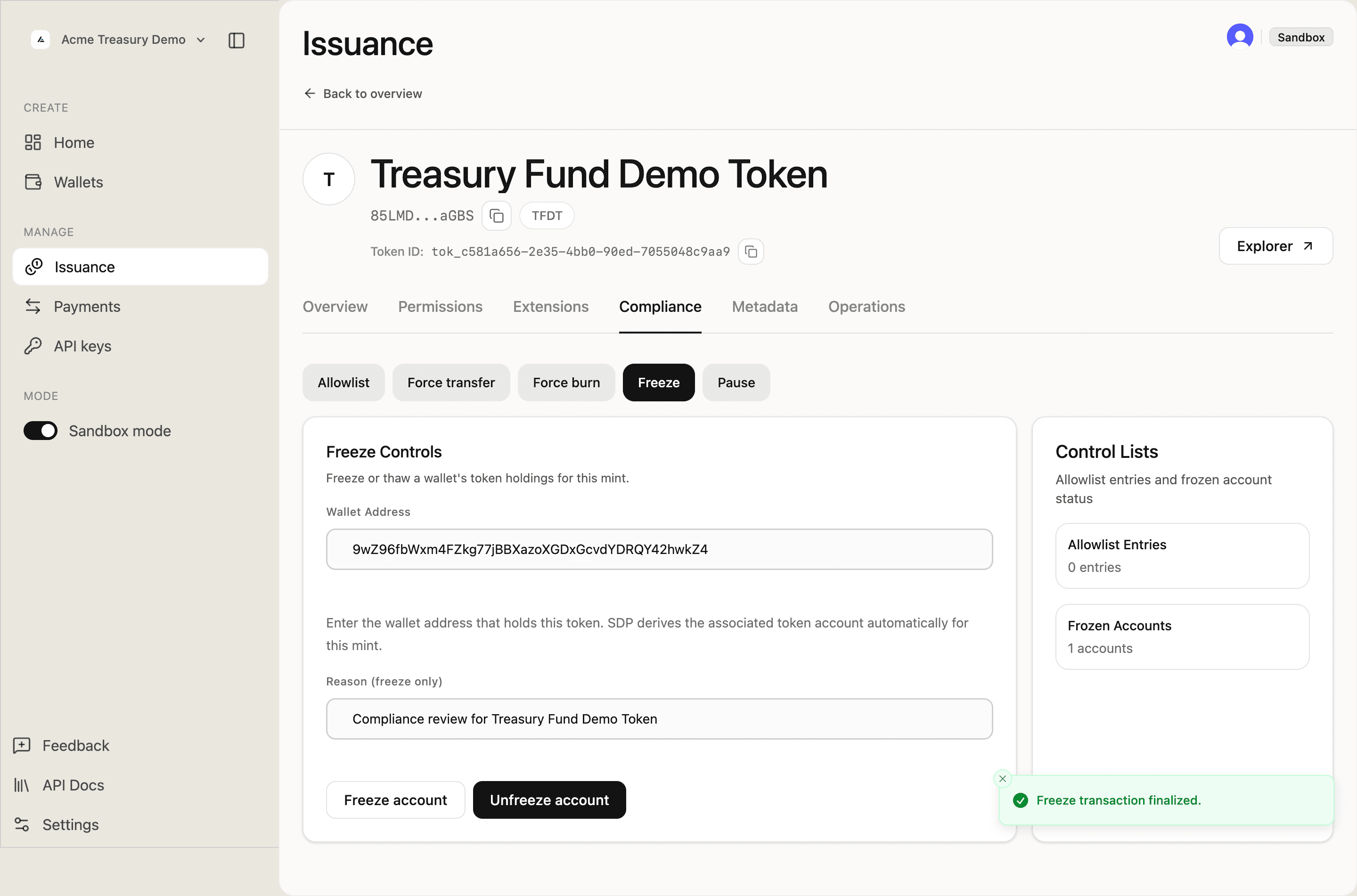
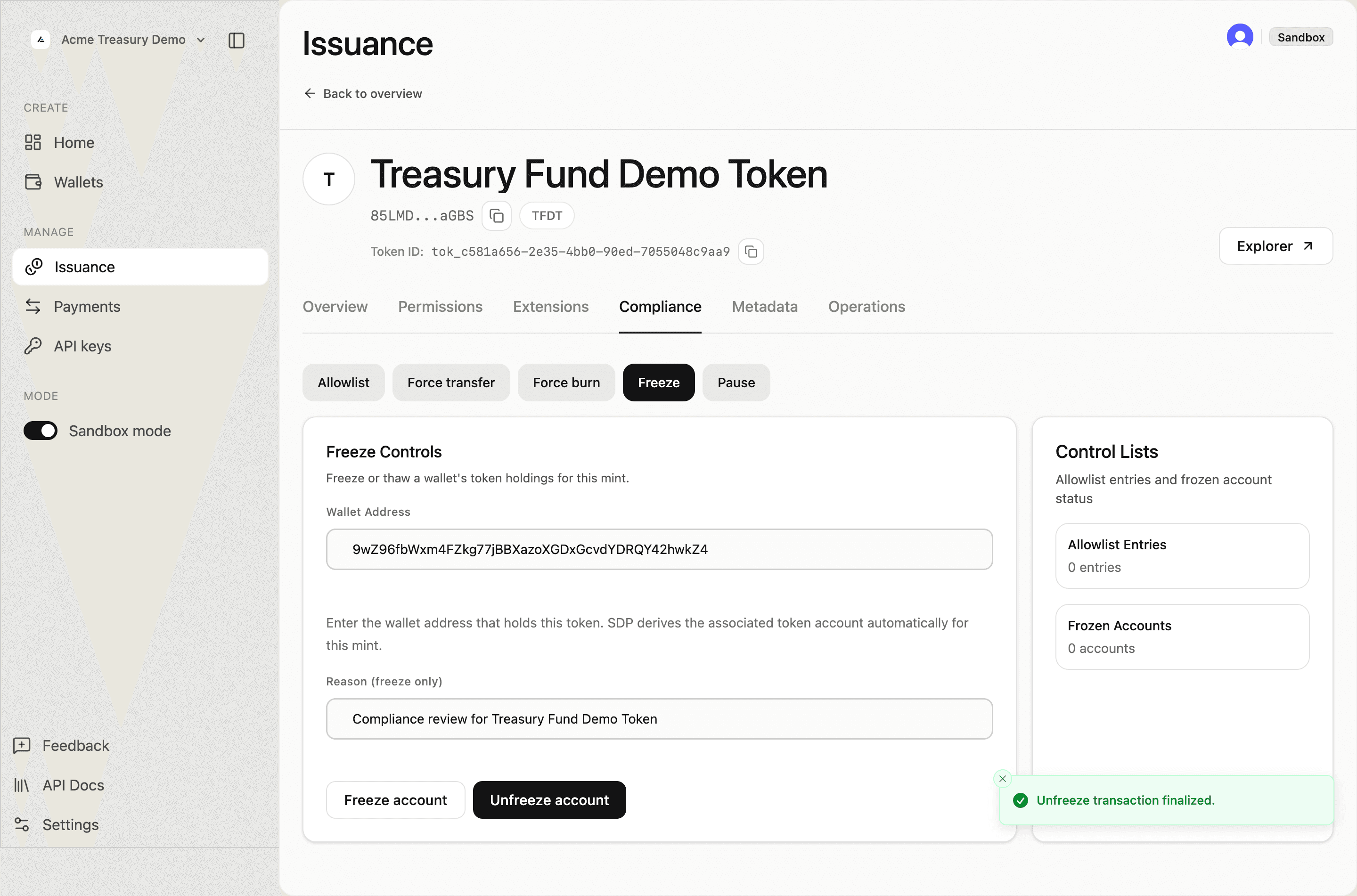
To lift the freeze, find the account in the frozen list and click Unfreeze. Confirm the on-chain submission.
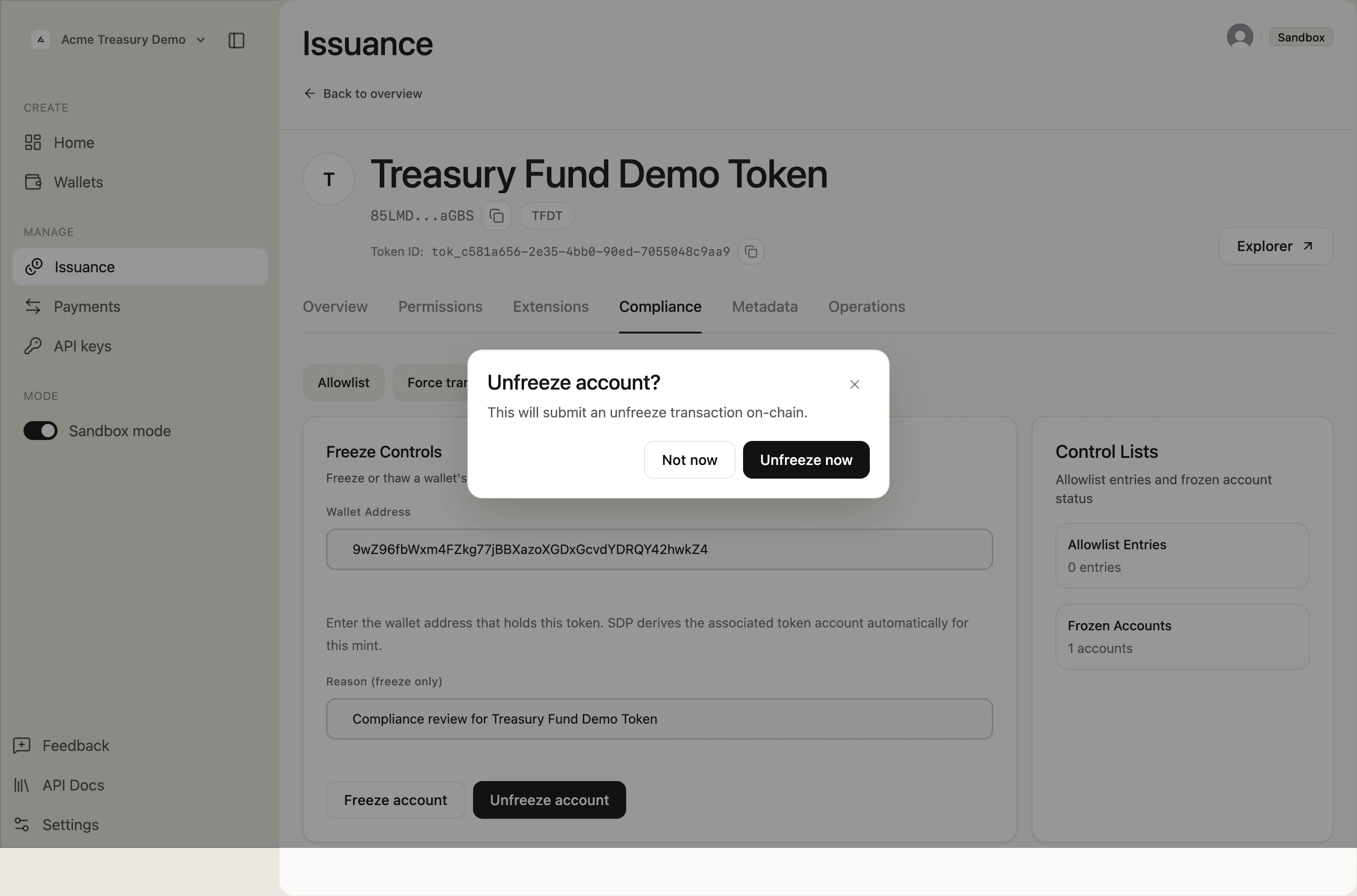
The "Unfreeze transaction finalized." toast appears and the Frozen Accounts count returns to 0.
Pause and unpause the token
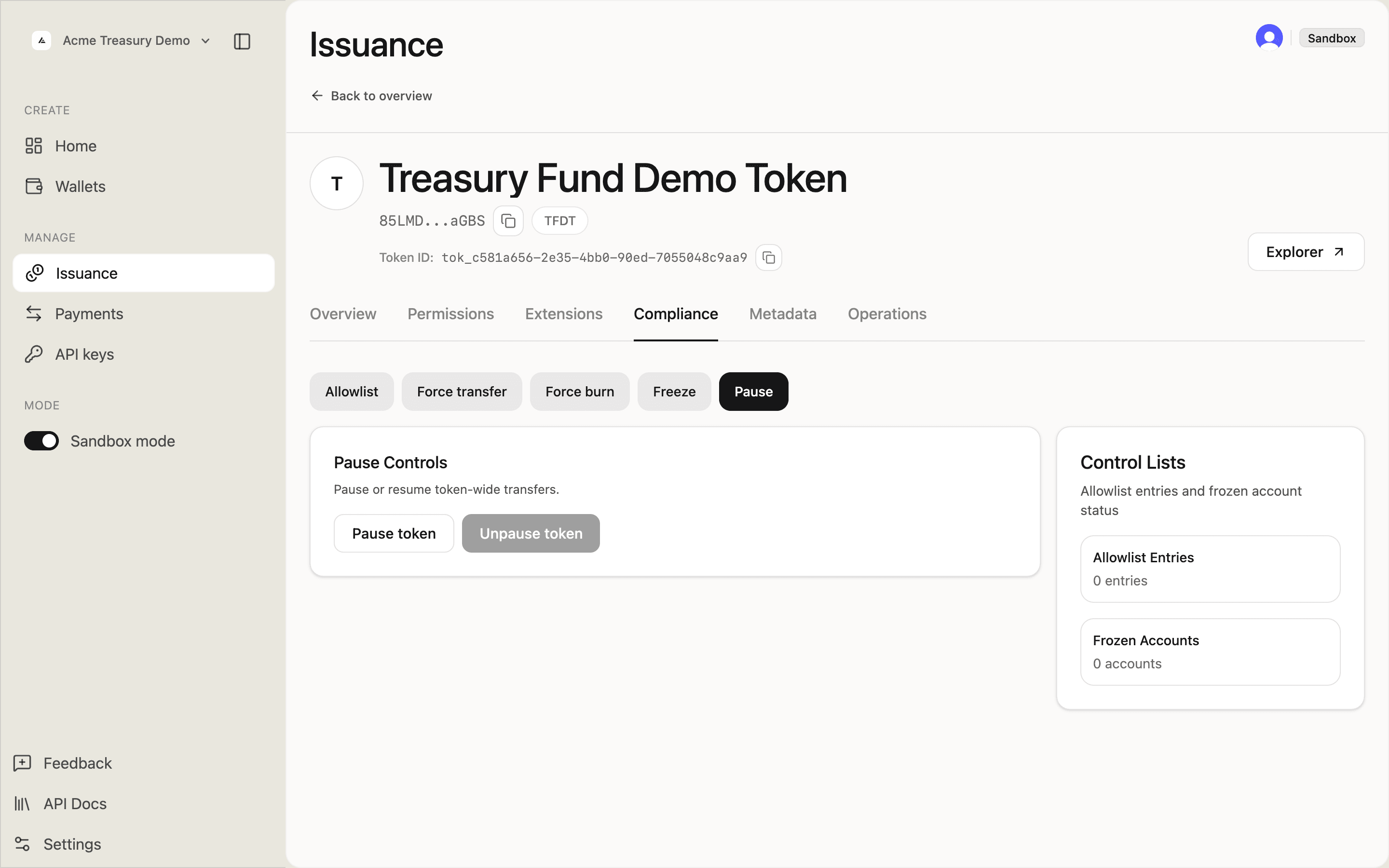
Halt all minting and transfer activity globally. Requires the pausable extension on the token.
On the token detail page, go to the Compliance tab and select Pause Controls. Click Pause token.
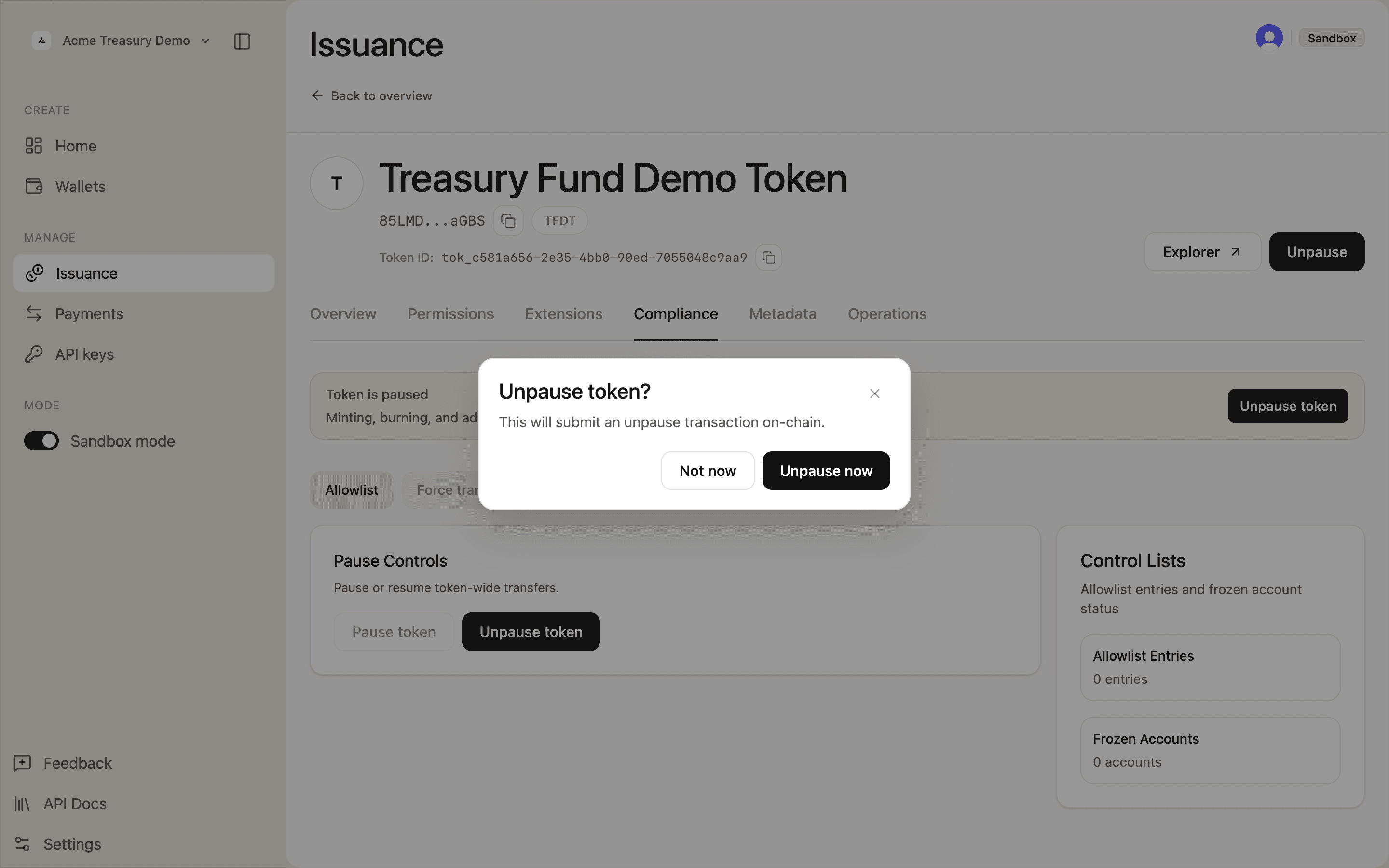
Confirm the on-chain submission in the confirmation prompt.
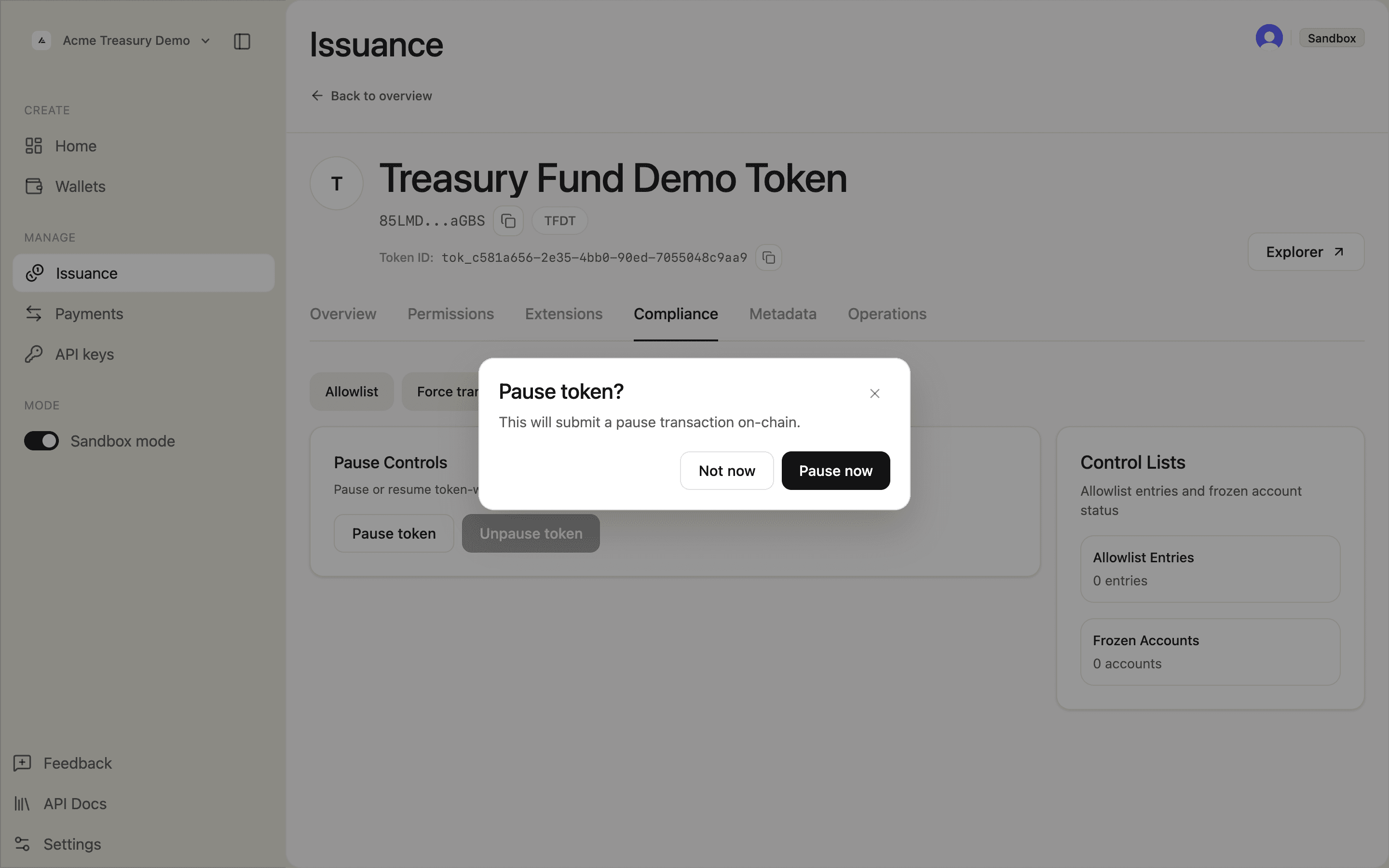
The prompt uses the only matching authority wallet automatically. If several custody records control the same authority, select the signer before confirming. The Unpause button uses the same selection rules.
The "Pause transaction finalized." toast appears and an orange Token is paused banner displays across the page. All supply and transfer operations are now blocked.
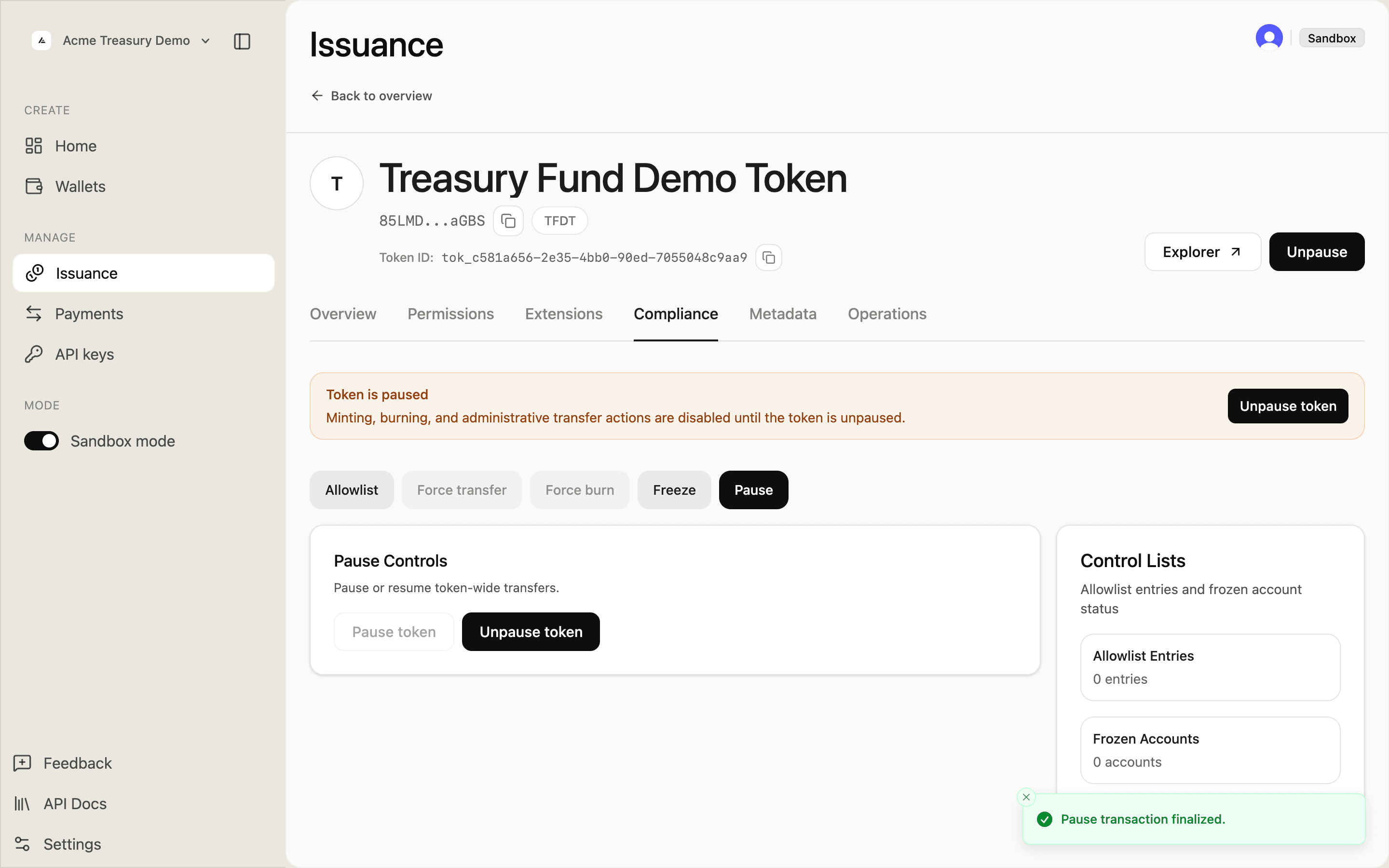
To resume, click Unpause token and confirm.
Seize tokens
Force-transfer tokens from a holder to a recovery address without the holder's signature. For court orders and regulatory enforcement. Requires tokens:admin.
In the Compliance tab, click Seize tokens. Provide the source, destination, amount, and a memo (strongly recommended for audit records). Confirm to submit.
Compliance response workflow
- Screen the address via the Compliance API
- Freeze the affected account while investigating
- Based on findings — Unfreeze if cleared, Seize tokens to a recovery address, or Force-burn (see Mint and Burn)
- Record all actions with
memofields for the audit trail