Allowlists
Control which addresses can receive your token by maintaining an approved list.
Token Access Control gates who may hold or receive your token. This page covers its allowlist mode: tokens created with requiresAllowlist: true enforce a list of approved destination addresses on allowlist-aware issuance flows such as minting and administrative transfers, and it's required for tokenized-security tokens.
This is distinct from a wallet's transfer allowlist (a Wallet Policy concern) and the Platform Allowlist (deployment admission).
Prerequisites
- A token created with
requiresAllowlistenabled tokens:writepermission on the API key
How it works
Enable the allowlist
The allowlist is configured at token creation time. Decide before creating whether your token requires one — it cannot be changed after deployment.
In the five-step Create token flow, open Token settings and toggle Allowlist on.
For tokenized-security tokens, the allowlist toggle is pre-enabled and locked.
The Operations tab on the token detail page shows Approved recipients, with Address and Label fields and a Control Lists sidebar tracking entry and frozen account counts.
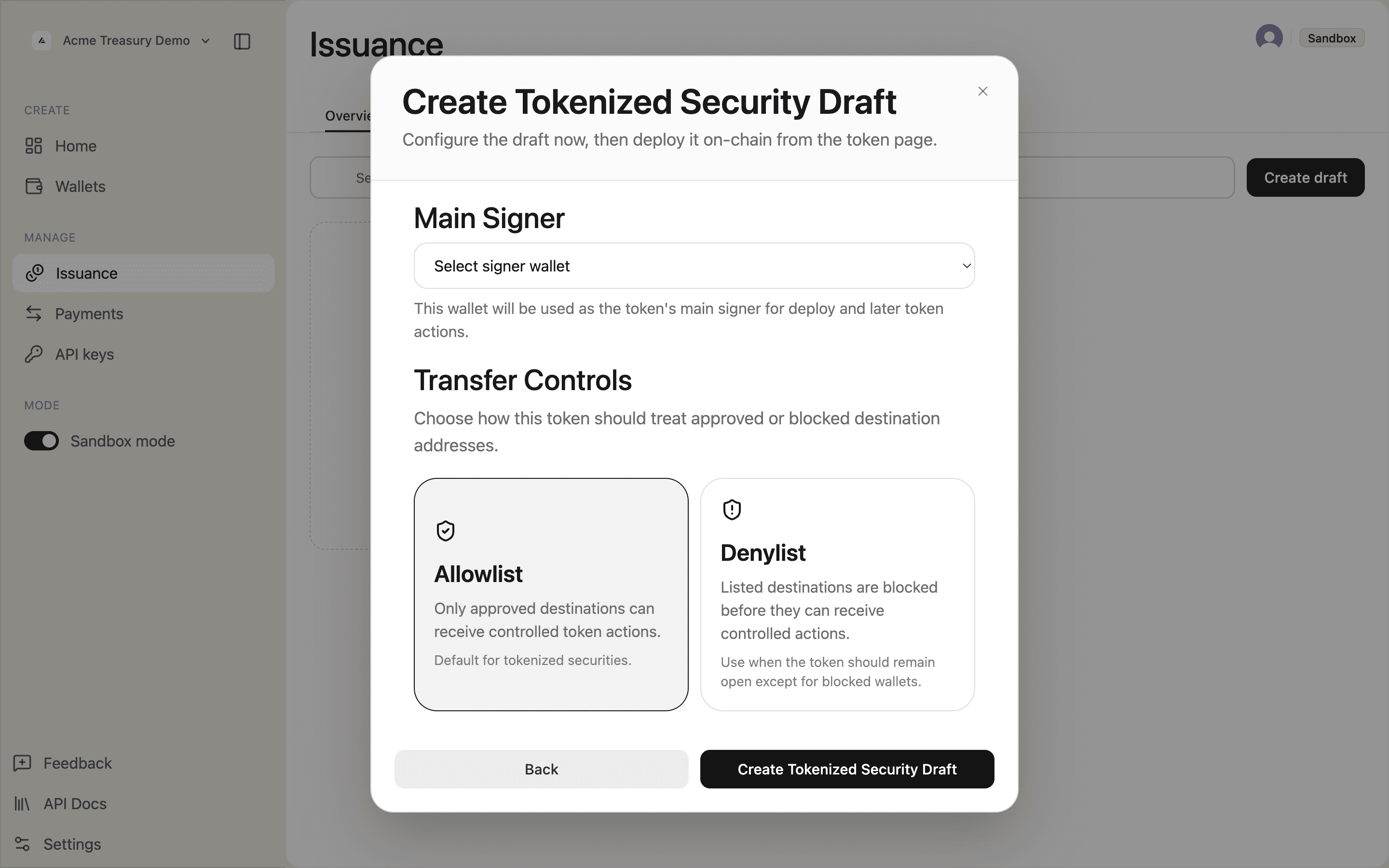
Add an address
Add a wallet address to the allowlist before minting to it or using it as an administrative transfer destination.
Open the token detail page, go to Operations, then select Approved recipients.
Enter the wallet address and an optional label, then click Add allowlist entry. The address is enforced on the next allowlist-checked operation.
For an on-chain list, SDP uses its authority wallet automatically when there is one matching wallet. If several custody records match, select the signer in the confirmation dialog. Database-only lists need no signer.
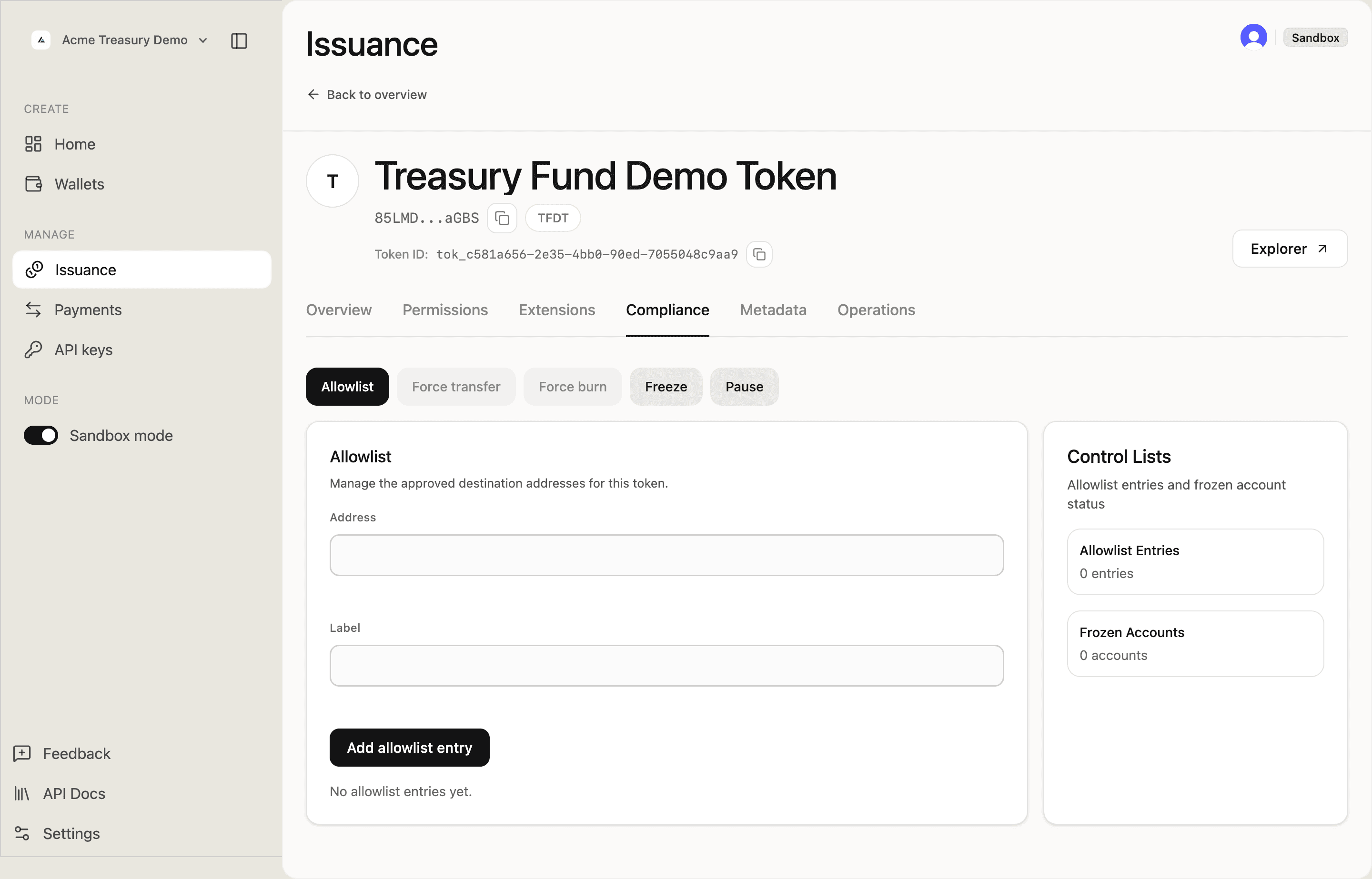
After adding, the entry appears below the form with a Remove entry button.
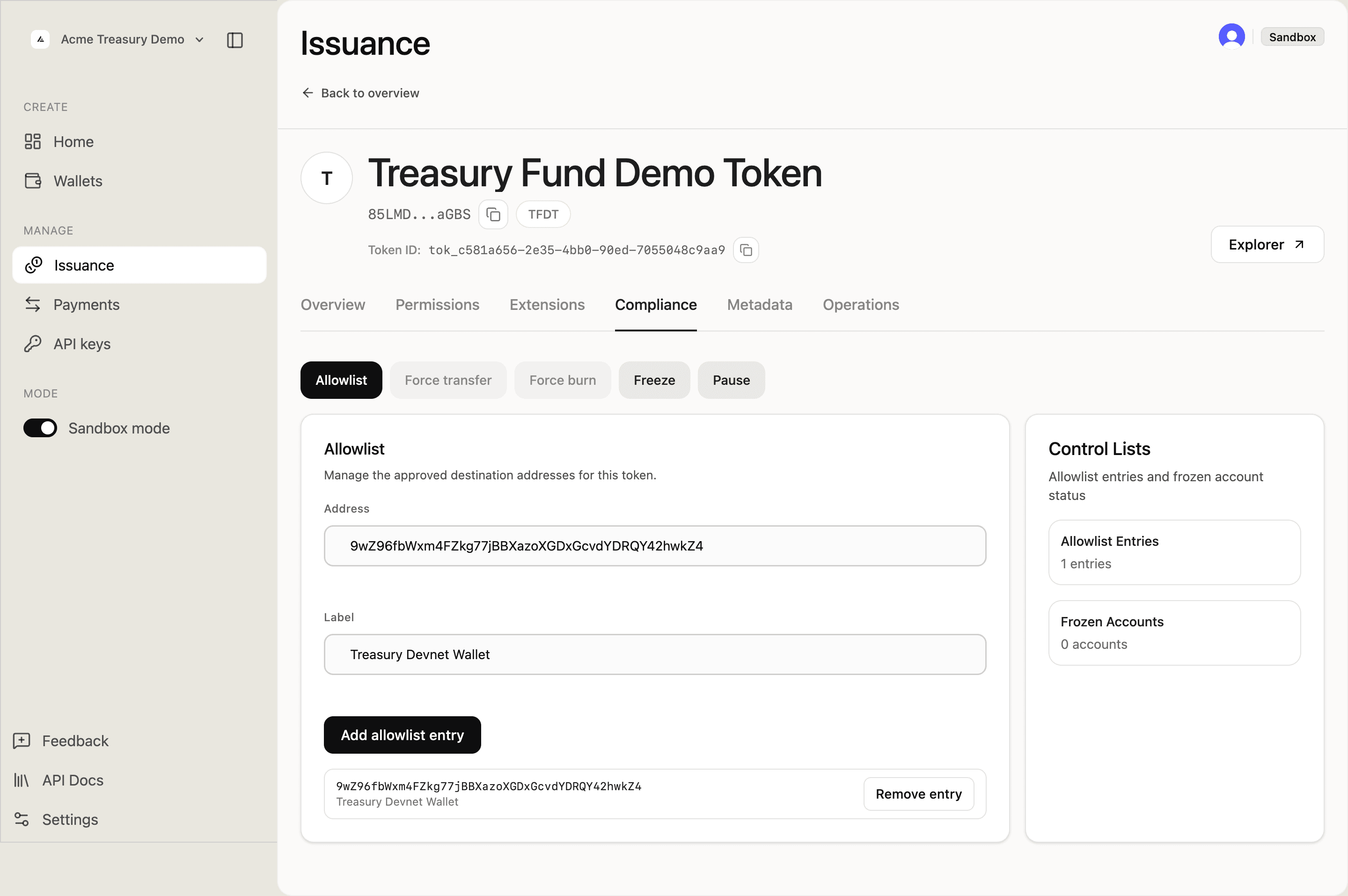
Review the list
Check which addresses are currently approved. Useful before minting to a new destination or during a compliance audit.
The Approved recipients section shows all approved addresses, their labels, and when they were added.
Use the search field to find a specific address by label or public key.
Remove an address
Remove an address when a holder's compliance status changes. Existing token holdings are unaffected — only future allowlist-enforced flows are blocked.
In Operations → Approved recipients, click Remove entry next to the address. For an on-chain list with multiple matching wallets, choose the signer in the confirmation dialog. After successful removal, the list and its count refresh.
Typical workflow for a tokenized security
- Create the token with
requiresAllowlist: trueand templatetokenized-security - Deploy the token
- Collect wallet addresses from KYC-verified investors
- Add each verified address to the allowlist
- Mint tokens to allowlisted addresses
- Remove addresses when compliance status changes