Deploy a Token
Deploy a created token to the Solana blockchain.
After creating a token, deploy it onchain. Deployment creates the mint account on Solana and signs the deployment with the exact SDP Wallet selected for execution.
Prerequisites
- A token in
pendingstatus - The exact SDP Wallet
idreturned byGET /v1/wallets(for example,cwlt_*)
How it works
Open the deploy action
Locate the token you want to deploy. Deployment is irreversible — the mint account and its configured authorities are created onchain.
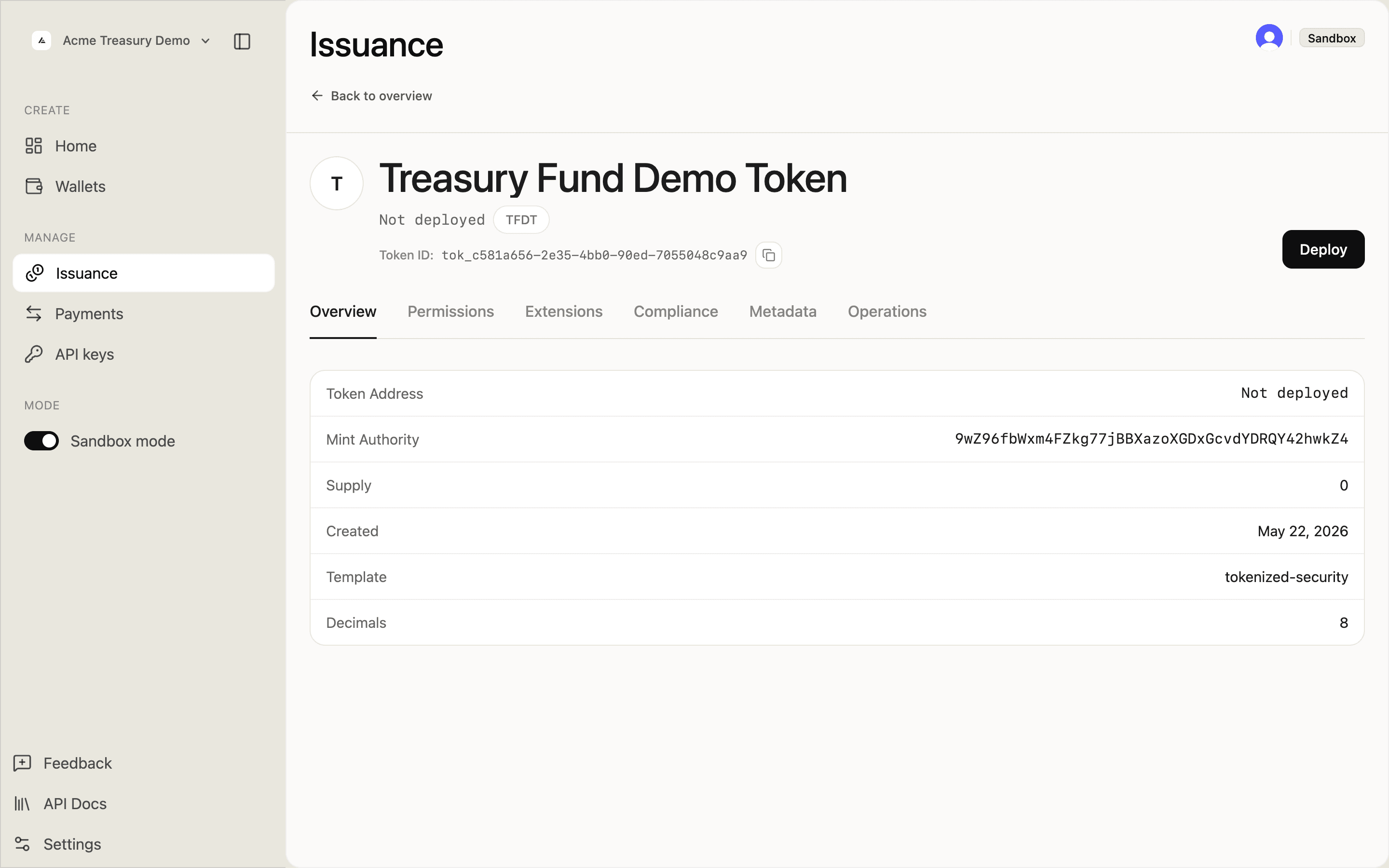
In the Issuance list, click the token with a Pending badge to open its detail page.
The Deploy button appears in the token header and in the fund management panel.
Deploy the token
SDP signs and submits the deploy transaction using signingCustodyWalletId. If you supply it here, it overrides the pending draft's execution wallet; if you omit it, SDP uses the value stored on the draft. One of those values is required. An override changes the deployment signer and historical attribution, but it does not rewrite immutable authority values already captured in the token's configuration.
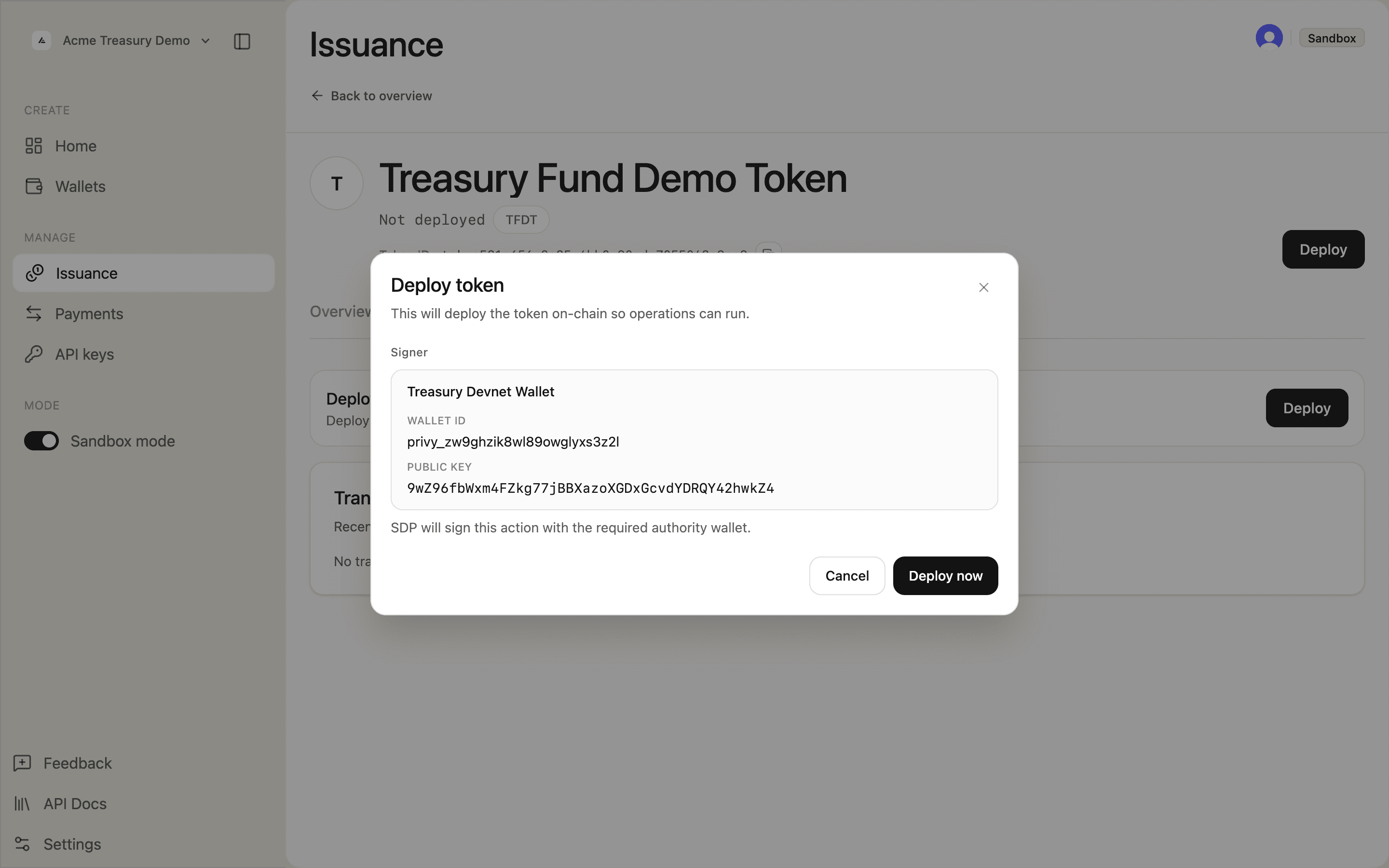
Click Deploy. A modal shows the signer wallet that will authorize the transaction. Review the wallet ID and public key, then click Deploy now.
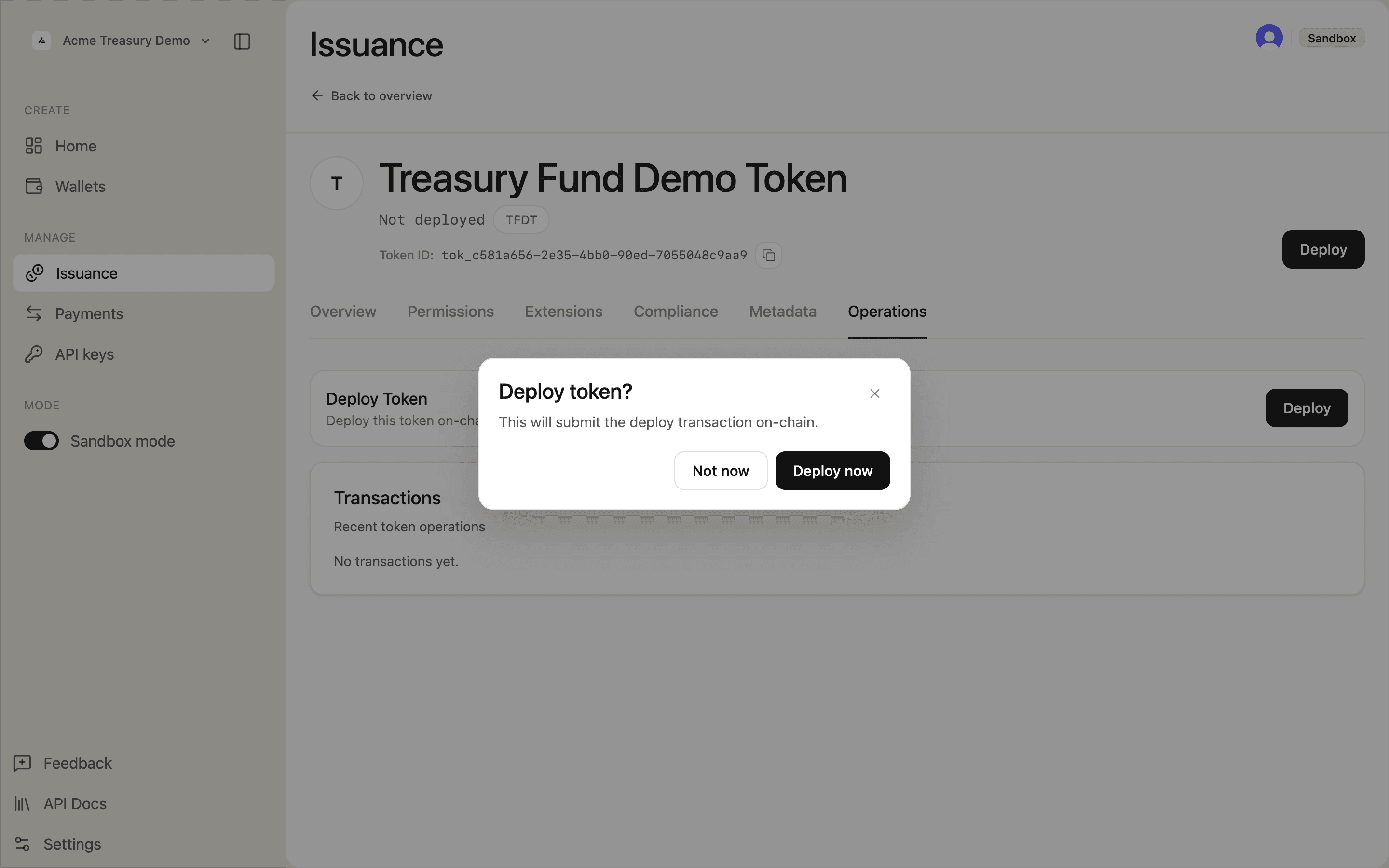
A confirmation prompt asks you to confirm the on-chain submission. Click Deploy now to proceed.
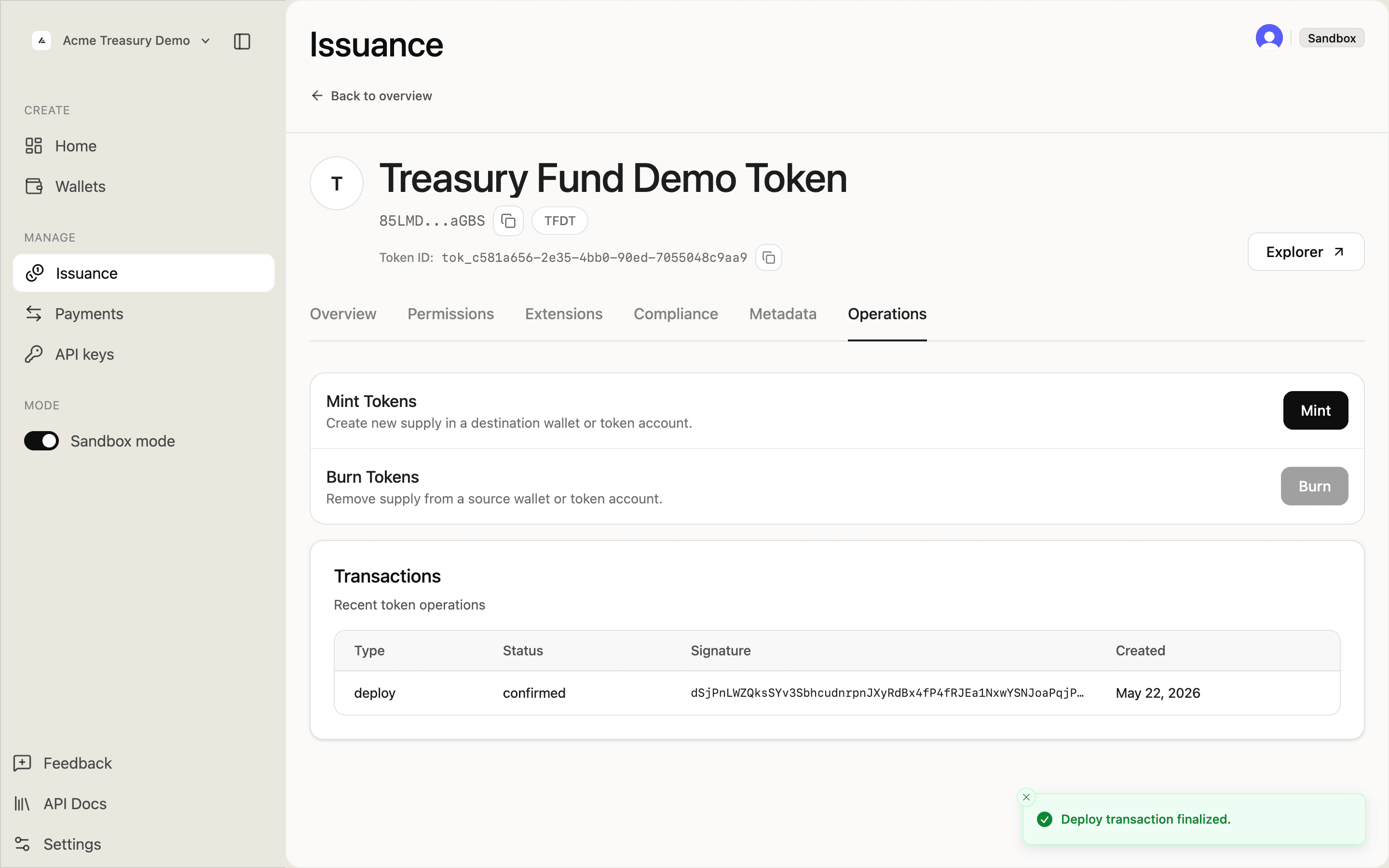
SDP submits the transaction to Solana and polls for confirmation. The page updates automatically when deployment completes.
Confirm deployment
Once the transaction is confirmed, the token is active and ready for minting and transfers.
The token status badge changes from Not deployed to the onchain mint address. The detail page shows Mint and Burn actions in the Operations tab, and a confirmed deploy transaction in the Transactions table.