Set Up Your Organization & Projects
Set up your SDP organization and see how projects scope work within it.
Every SDP user works through an organization — a team workspace containing one or more projects, each a provisioned environment with its own API keys, wallets, and members. This guide creates your organization and covers how projects scope your resources.
1. Sign up
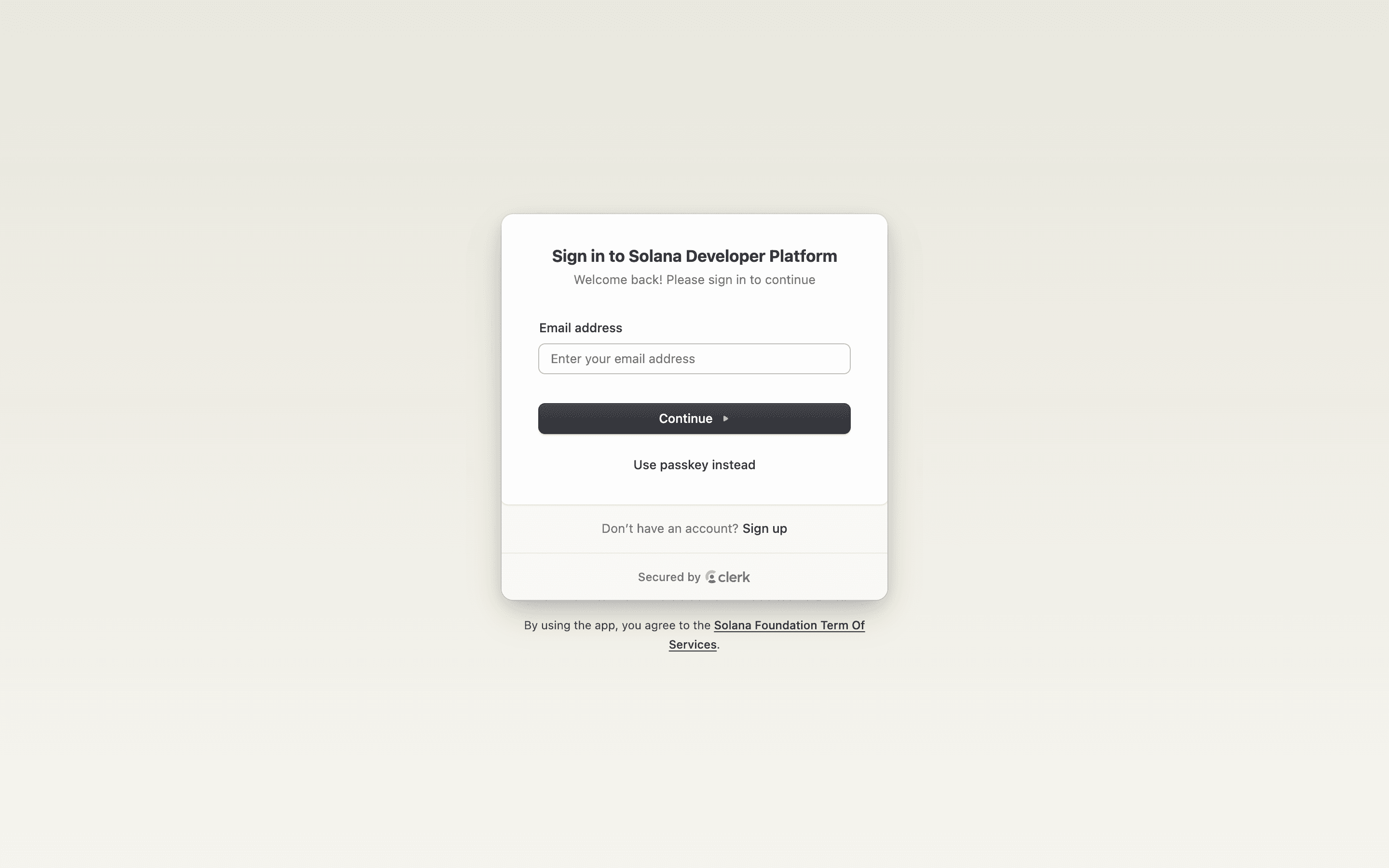
Go to platform.solana.com and click Dashboard. On the sign-in screen, click Sign up to create a new account.
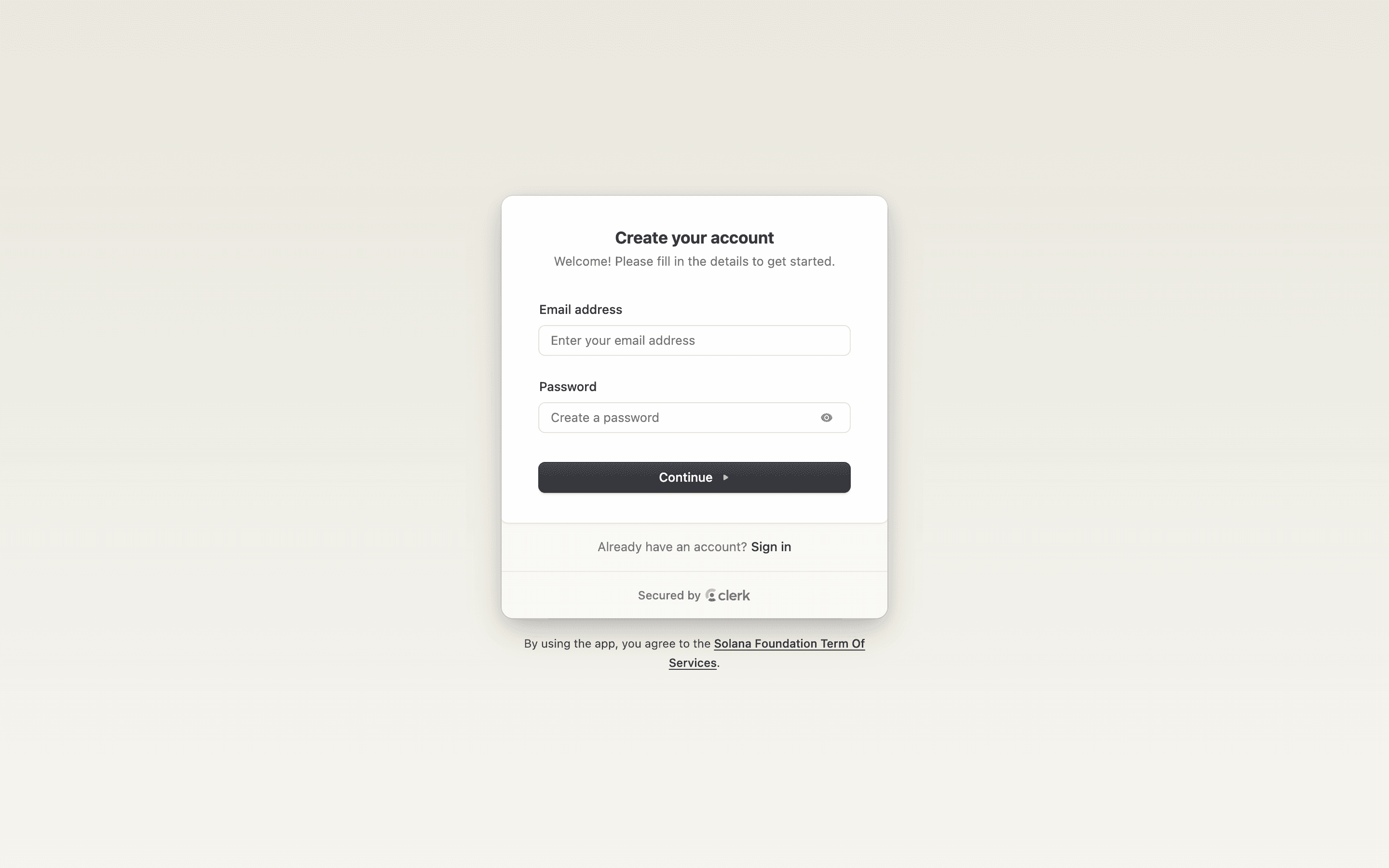
Enter your email address and a password to create your account.
2. Create or select an organization
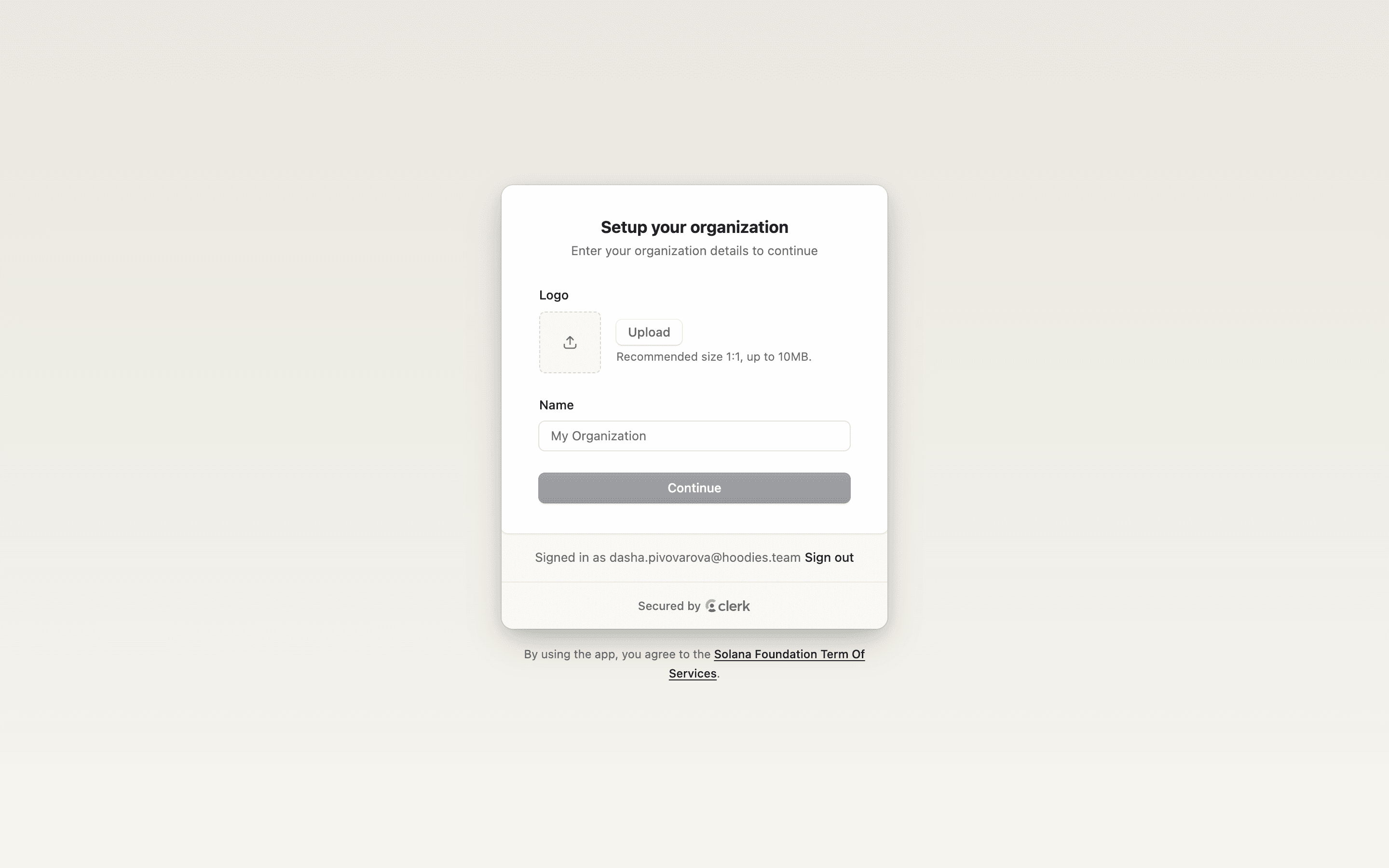
After signing in you'll be prompted to set up your organization. Upload a logo and enter your organization name, then click Continue.
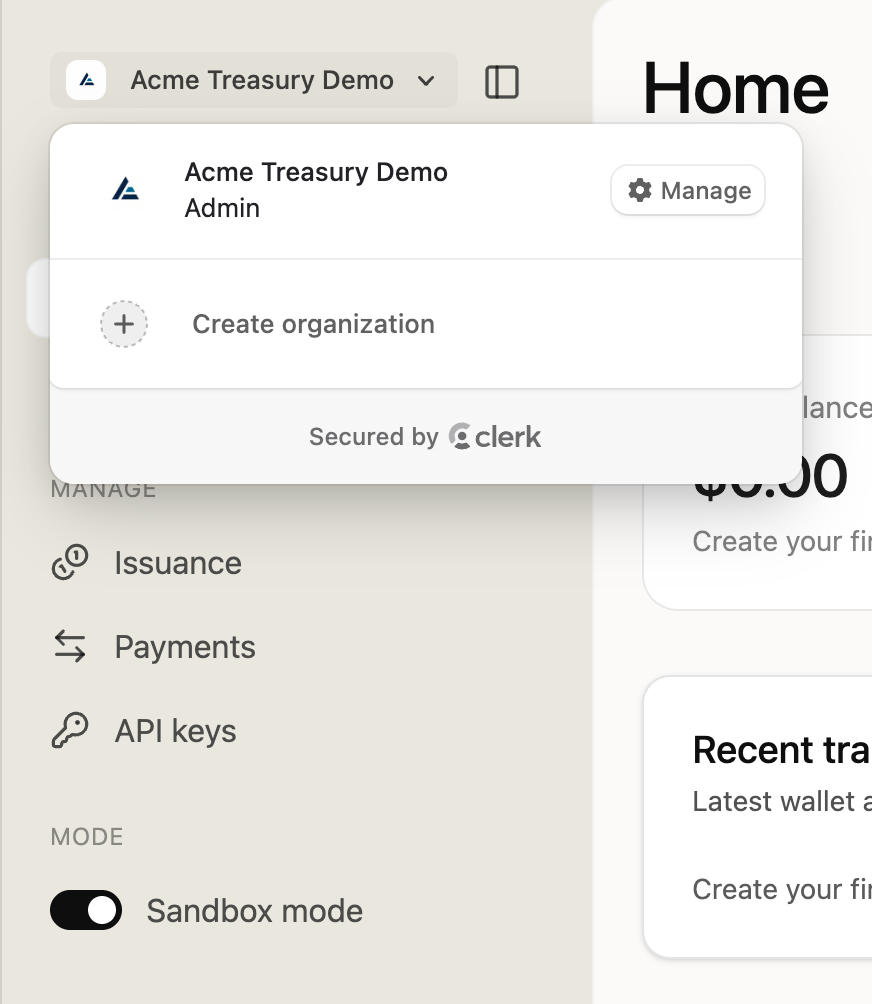
If you already have an organization, the Organization Switcher in the top-left of the sidebar lets you switch between them or create a new one.
3. Organize with projects
A project is a provisioned environment within your organization — sandbox or production-style — with its own API keys, wallets, tokens, and members, so teams don't share the same wallet and token surface. See the Projects API reference for managing them programmatically.
4. Next steps
- Set up wallets for signing transactions
- Create API keys for programmatic access
- Create your first token